

Waterfox
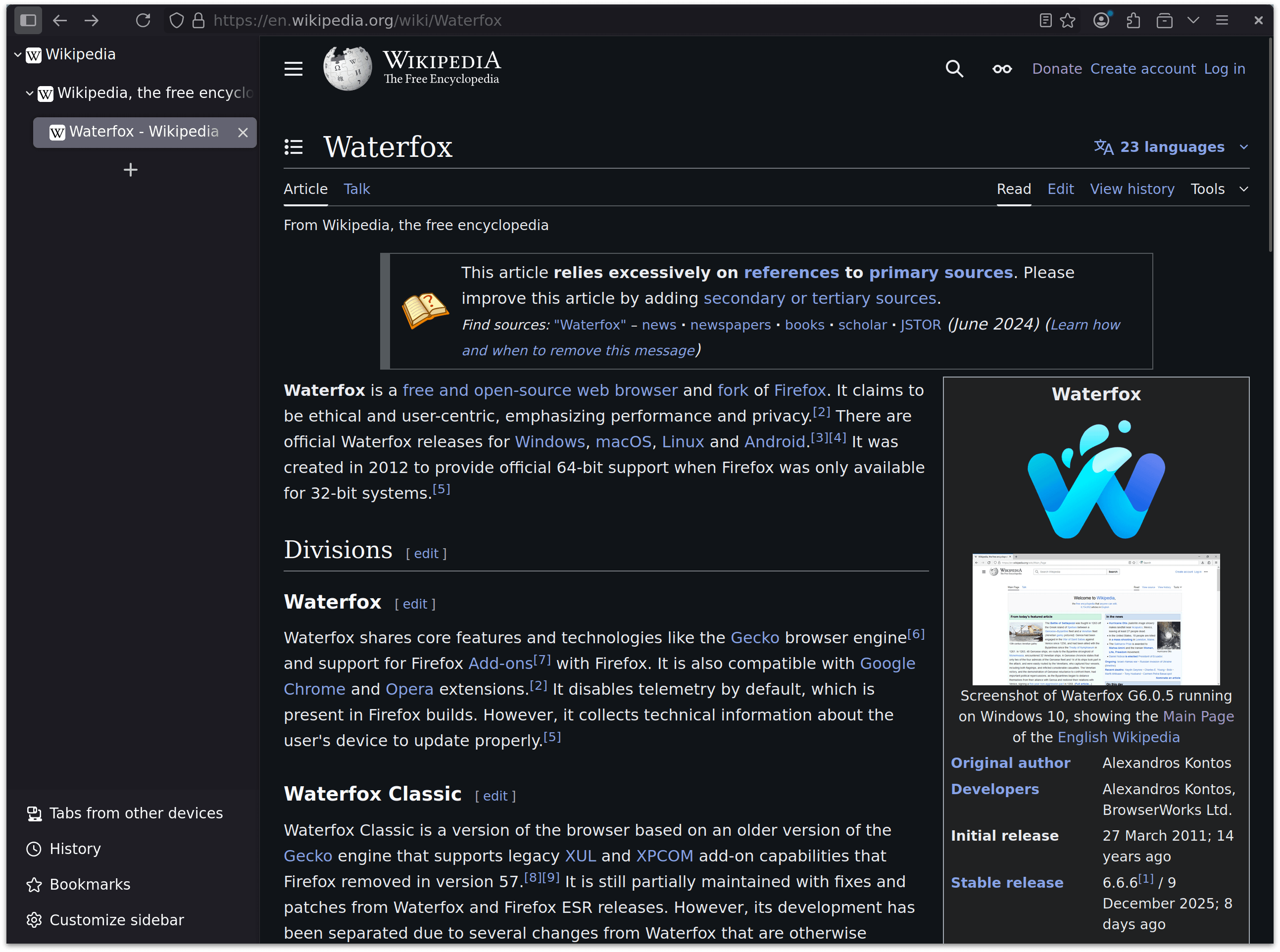
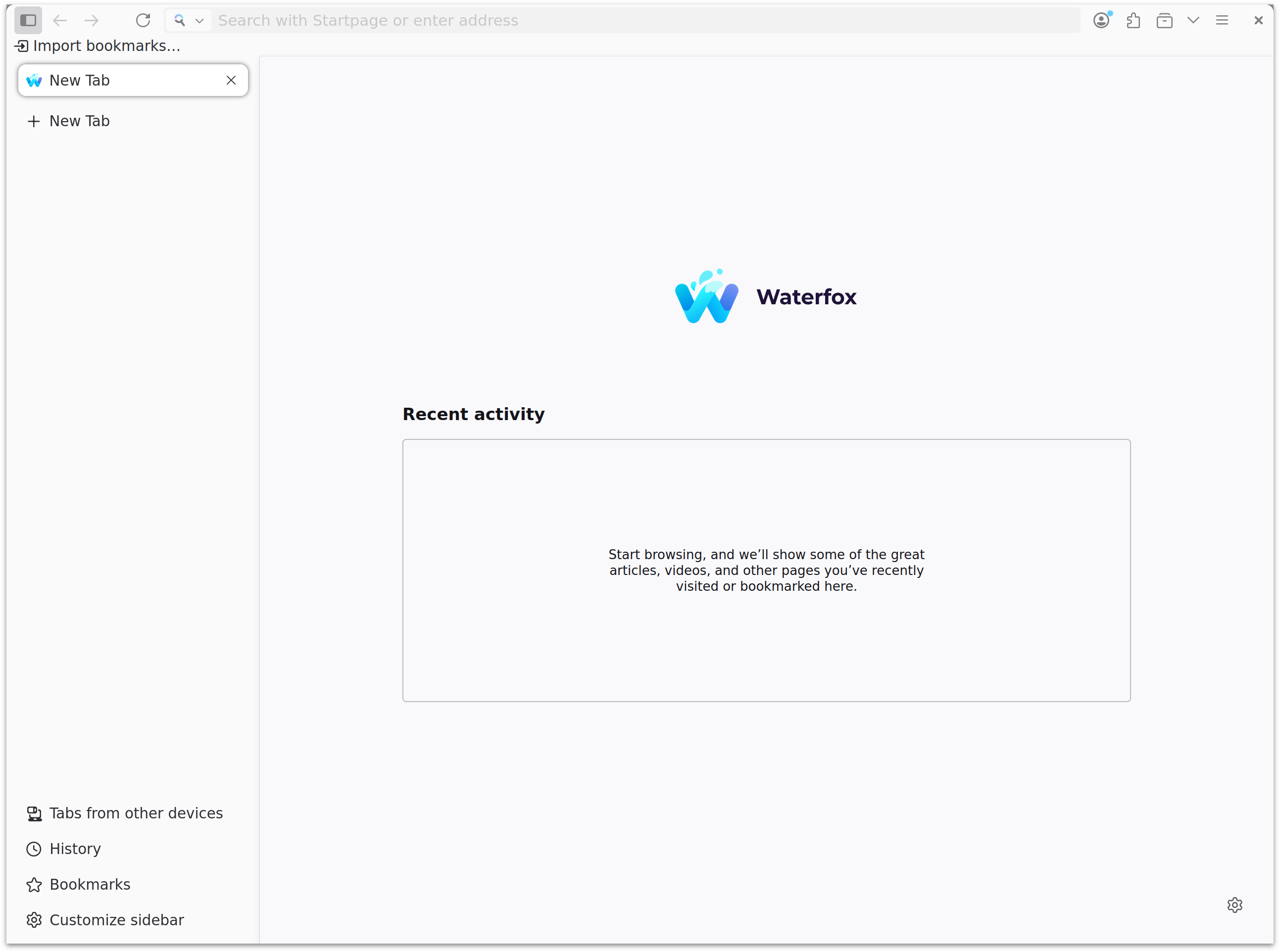
Read our in-depth Waterfox review to discover how this privacy-focused browser for Linux delivers advanced security, tab isolation, and deep customization.
Why Waterfox is the Ultimate Browser for Power Users
If you are tired of modern web browsers stripping away your control and tracking your every move, the Waterfox private web browser offers a powerful, privacy-first alternative. Built specifically for users who demand deep customization without sacrificing modern web standards, this open-source browser puts you back in the driver's seat. Developed by BrowserWorks for the Linux platform, it delivers an uncompromising environment where advanced configuration and user privacy coexist seamlessly.
Advanced Privacy Protection Built-In
Unlike mainstream browsers that require dozens of add-ons to achieve true privacy, the Waterfox private web browser secures your connection right out of the box. Key privacy features include:
- Oblivious HTTP Relay: DNS-over-HTTPS queries are routed through a secure, Fastly-hosted relay to keep your ISP and third parties from tracking your DNS lookups.
- Zero Telemetry: All telemetry, background experiments, analytics, and integrated ad feeds have been completely stripped out of the source code.
- Strict Security Defaults: The browser enforces HTTPS-First connections, declares Global Privacy Control headers, disables DNS prefetching, and blocks unauthorized local IP (0.0.0.0) lookups.
- Automated Cookie Handling: Built-in cookie-banner automation proactively rejects consent prompts whenever possible, minimizing distractions.
Granular Tab Control and Layout Customization
Power users will appreciate how the Waterfox private web browser handles workflow organization. With Private Tabs, you can launch isolated sessions within the same window, complete with independent cookie containers, history, and search engine preferences. The browser also features intuitive tab context shortcuts to quickly unload sleeping tabs, copy URLs, or restart with immediate cache-purges.
Visual customization is equally impressive. Users can reposition tab bars, status bars, and bookmark bars directly through the settings interface without editing complex userChrome.css files. You can switch effortlessly between Waterfox, Lepton, and Proton design presets, tweak icon padding, and enable classic features like the live-preview status bar.
Modern Web Standards and Compatibility
Despite its classic flexibility, this browser is built on a highly modern engine. It natively supports cutting-edge web technologies including WebGPU, WebCodecs H.265, JPEG XL, CSS Masonry, and scroll-driven animations. For search, it defaults to privacy-centric engines like Startpage and Waterfox Private Search, ensuring your queries remain confidential.
Is Waterfox Right for You?
If you value digital sovereignty, robust security configurations, and the freedom to design your own browsing interface on Linux, this application is an exceptional choice. To experience this level of control firsthand, visit the official Flathub store page to explore the software for your system.