

TopWebBrowser
Read our comprehensive review of TopWebBrowser for Mac, a unique transparent overlay browser designed to streamline multitasking and boost your productivity.
A New Approach to Mac Multitasking
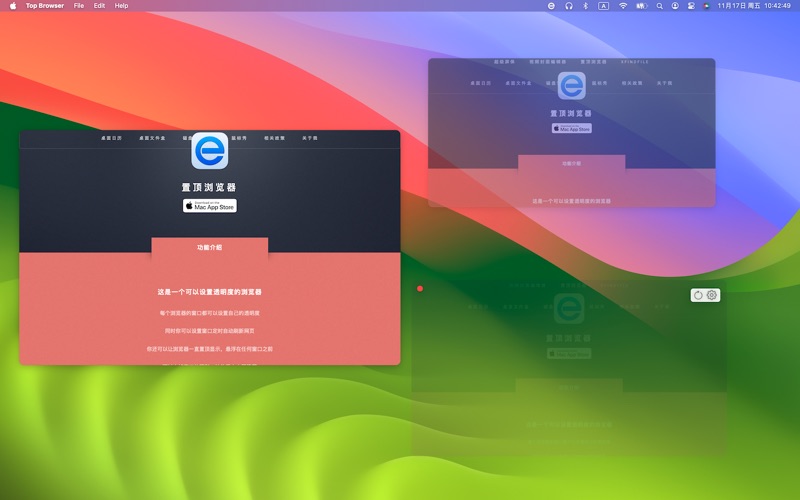
The TopWebBrowser transparent overlay browser is a specialized utility developed by Dongliang Zhou, designed to redefine how macOS users interact with web content. Unlike conventional web browsers that demand your full attention or take up valuable desktop real estate, this application integrates directly into your active workspace by leveraging adjustable transparency and stay-on-top window management.
Key Features of the TopWebBrowser Transparent Overlay Browser
This utility offers several innovative features designed to help users monitor information without interrupting their primary workflow:
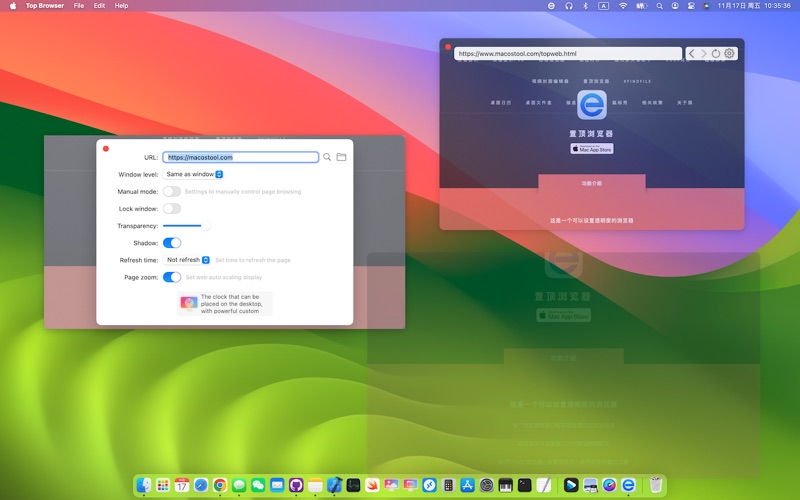
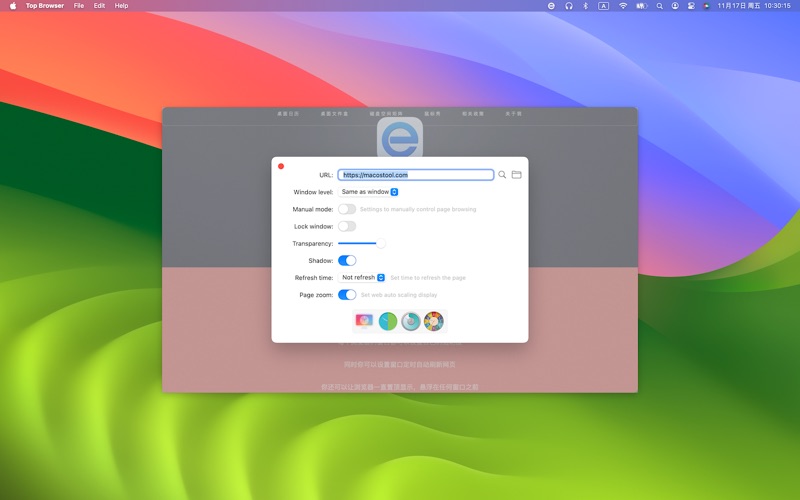
- Individual Window Transparency: Every browser window can be configured with its own opacity level, allowing you to blend web pages seamlessly into your desktop background.
- Always-on-Top Floating Windows: Keep critical web pages, reference materials, or video streams floating securely in front of any active application.
- Automatic Page Refreshing: Set custom intervals for individual windows to reload automatically, making it an excellent tool for monitoring live dashboards, auction sites, or social media feeds.
- Click-Through Lock Mode: Once locked, the window ignores all mouse interactions, allowing you to click "through" the browser to interact with the applications underneath.
- Window Shadow Removal: Strip away standard macOS window borders and shadows for a completely borderless, integrated aesthetic.
- Local File Support: Load and display offline files, including images, PDFs, and video formats, directly within your transparent layout.
Who Benefits Most from TopWebBrowser?
The TopWebBrowser transparent overlay browser is particularly valuable for professionals who need to reference documentation while coding or writing, designers matching layouts to live mockups, and power users who monitor real-time data streams. By eliminating the constant need to switch windows, it minimizes cognitive load and keeps your primary workspace organized.
An Unobtrusive Desktop Companion
By blending web content directly into your visual environment, this Mac utility offers a highly customizable solution for advanced multitasking. If you are looking to optimize your digital workspace and keep vital web tools constantly within your field of view, you can explore the application further and find more information on its official Mac App Store page.