
Email Filing Assistant
Read our comprehensive review of the Email Filing Assistant for Mac. Learn how this smart utility automates your Apple Mail organization to save you time.
The Cognitive Cost of a Messy Inbox
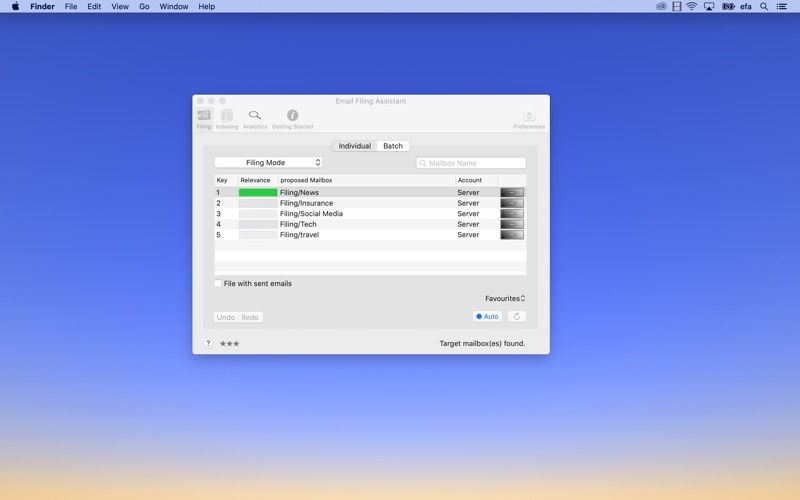
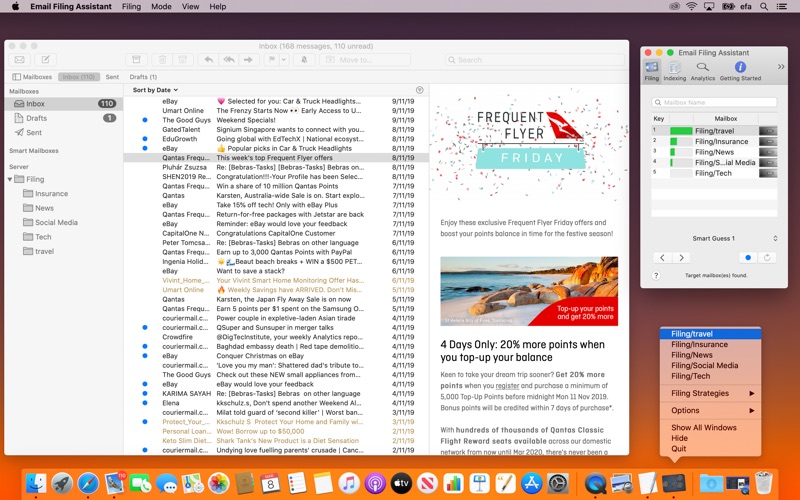
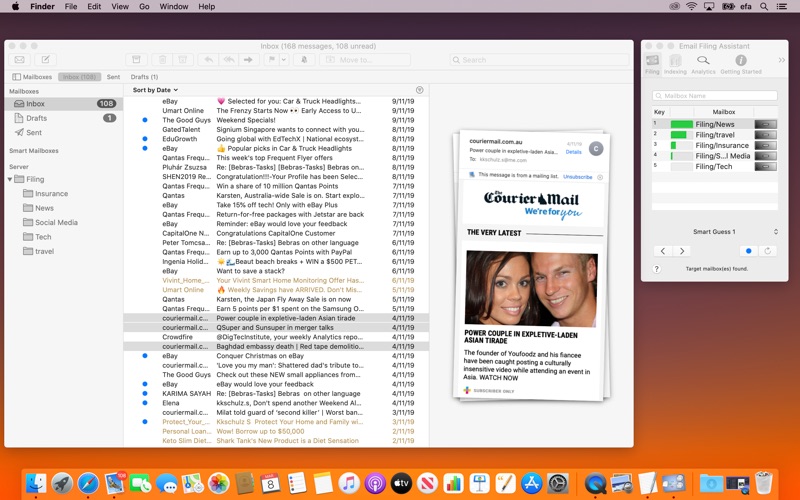
For many professionals, the daily influx of messages is a constant source of distraction. The Email Filing Assistant email organization utility is designed to tackle this exact problem. Instead of forcing you to halt high-value mental tasks to manually sort, drag, and drop messages into folders, this macOS tool automates the decision-making process. By learning from your historical filing habits, it predicts where incoming and outgoing messages belong, allowing you to organize your mail with a single click.
How the Email Filing Assistant Email Organization Tool Works
Developed by Karsten Schulz, the Email Filing Assistant operates on a simple philosophy: minimize cognitive disruption. It acts as an intelligent layer over Apple Mail, monitoring how you file your correspondence. Over time, it suggests the most likely destination folder for any given message. Your only job is to approve the suggestion, and the software handles the transition instantly.
Key Features for Streamlined Mail Management
- Individual and Batch Filing: Sort a single message on the fly, or clean up entire mailboxes (such as your Inbox or Sent Items) in one swift operation.
- Email Reply Workflows: Streamline your communication by replying to a message, filing your response, and archiving the original message all in one cohesive step.
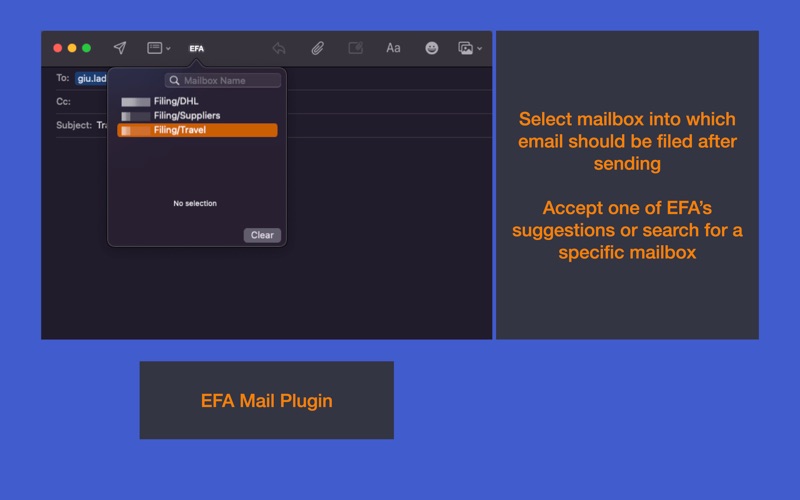
- Apple Mail Extension Integration: Built using MailKit, the integration allows you to proactively select a destination folder while composing an email, meaning sent items are filed automatically post-sending.
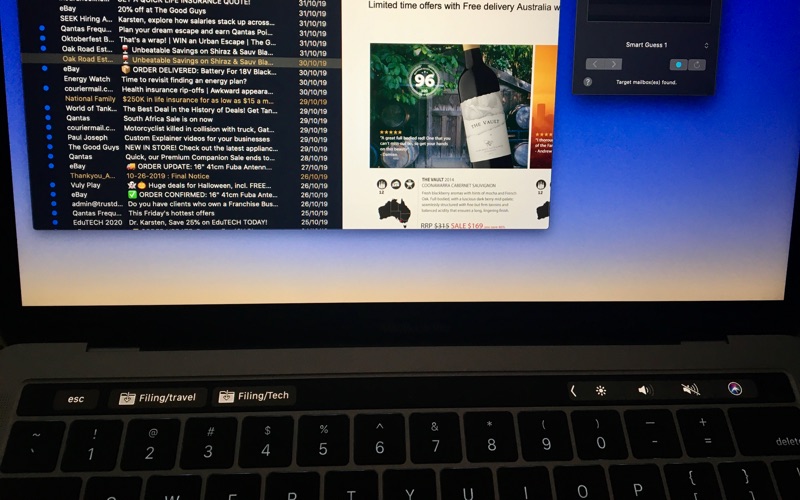
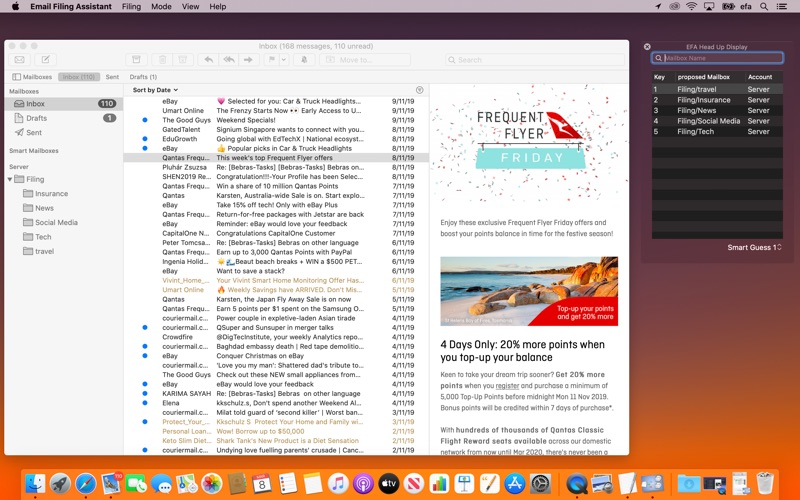
- Flexible Interface Options: Access the tool via a full main window, a minimalist view, a persistent Head-Up Display (HUD), the macOS Dock, the MacBook Pro Touch Bar, or customizable keyboard shortcuts.
Who Is This Email Organization Assistant For?
If you are a Mac user who relies heavily on the native Apple Mail application and finds yourself spending hours every week sorting correspondence, this tool is built for you. It integrates directly into macOS, ensuring that your workflow remains uninterrupted while your mailboxes stay perfectly organized. Please note that utilizing the advanced Mail Extension features requires the main application to be active with Object Reference Caching enabled in the preferences.
Our Editorial Verdict
The Email Filing Assistant email organization tool provides a highly focused, elegant solution to a universal workplace headache. By shifting the burden of folder selection from your brain to an automated predictive system, it keeps you focused on your actual work. To integrate this smart assistant into your daily routine, visit the official Mac App Store to get started.