

AlphaMail Menu Bar Client
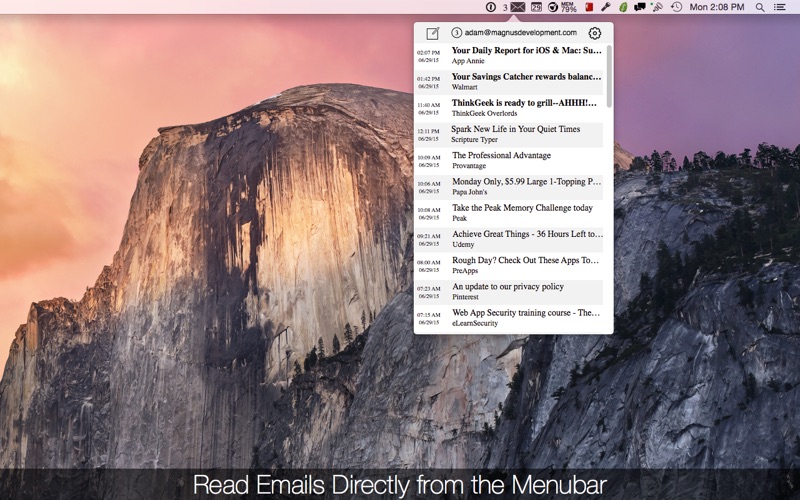
An in-depth review of AlphaMail, the lightweight Mac menu bar email client that simplifies how you read and send messages using IMAP and SMTP.
Managing daily correspondence can easily disrupt your workflow when it requires toggling between heavy desktop clients or browser tabs. The AlphaMail menu bar email client offers an elegant alternative for macOS users, placing your entire inbox inside a lightweight dropdown accessible directly from your system menu bar. Developed by 洪 邓, this utility is built specifically for those who want to monitor, read, and dispatch messages without the usual digital friction.
Streamlined Email Access Directly from Your Menu Bar
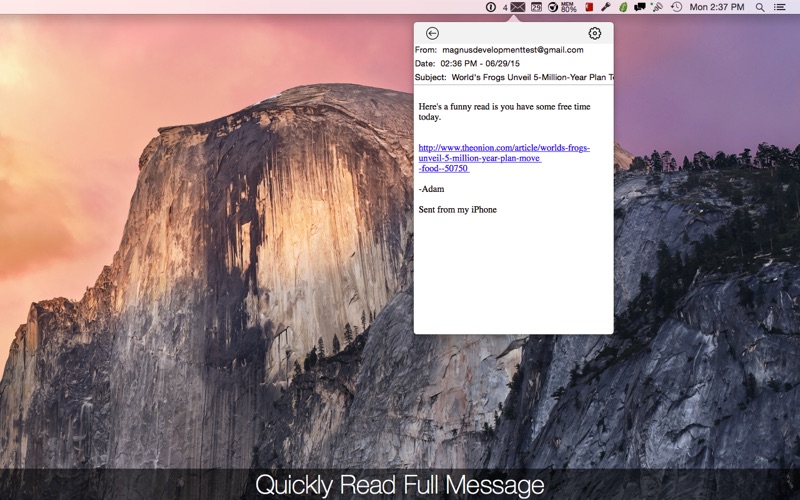
Instead of running a resource-heavy application in the background, this tool operates quietly in your system tray. The core appeal of the AlphaMail menu bar email client lies in its immediacy. Whenever a new message arrives, it downloads in the background. A quick click on the menu bar icon reveals a clean popover containing your latest messages, allowing you to stay updated without losing focus on your active projects.
Key Features of AlphaMail
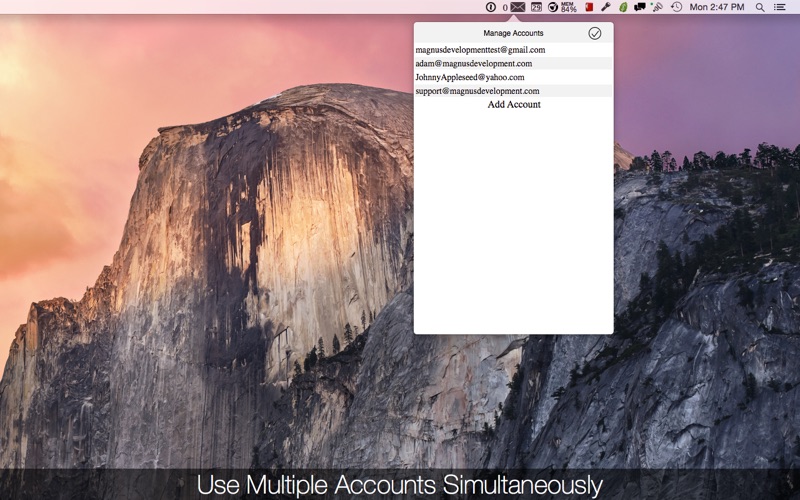
- Multi-Account Integration: Monitor and manage several email accounts simultaneously within a single interface.
- Universal Protocol Support: Works seamlessly with any provider utilizing standard IMAP and SMTP protocols, including iCloud, Gmail, Outlook, Yahoo, and Hotmail.
- Secure Credential Storage: Your account passwords are saved directly in the native Apple Keychain, ensuring industry-standard security.
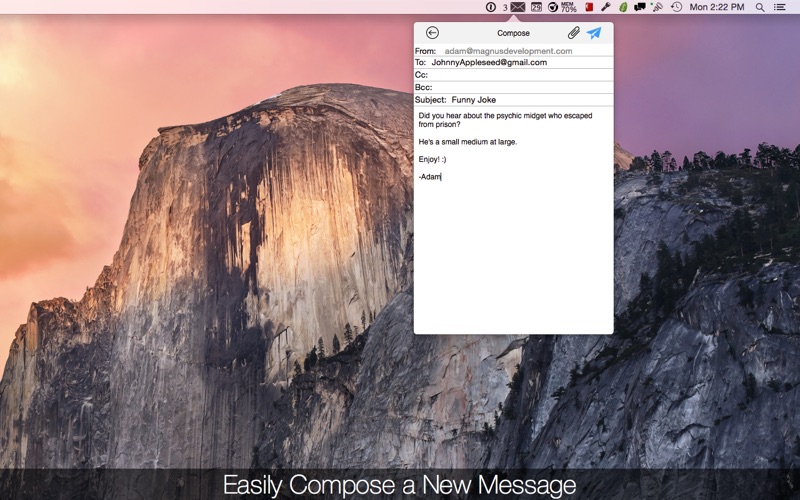
- Quick Composition: Write and send new messages instantly using the dedicated "compose" button, which supports attachments, Cc, and Bcc fields.
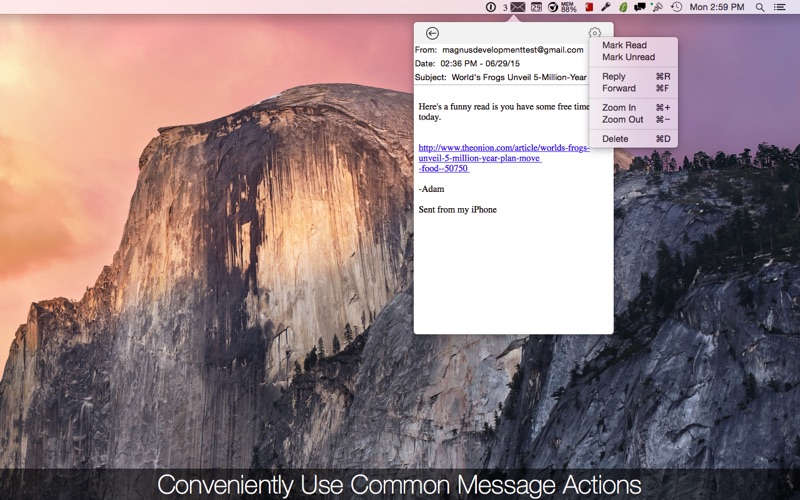
- Essential Mail Management: Easily mark messages as read or unread, forward, reply, zoom in or out of text, and delete clutter directly from the popover.
Who is the AlphaMail Menu Bar Email Client For?
This utility is ideal for professionals, developers, and writers who need to stay responsive to incoming mail but want to avoid the cognitive load of keeping a full email suite open. If your communication style involves sending quick, frequent updates or simply keeping a passive eye on your inbox headcount, this software keeps you connected without the bloat.
Final Verdict
By shifting your email management from a sprawling workspace to a consolidated menu bar utility, this app successfully minimizes distractions. If you are looking to simplify your daily digital correspondence on Mac, you can learn more and purchase the application on the Mac App Store.