
Resources
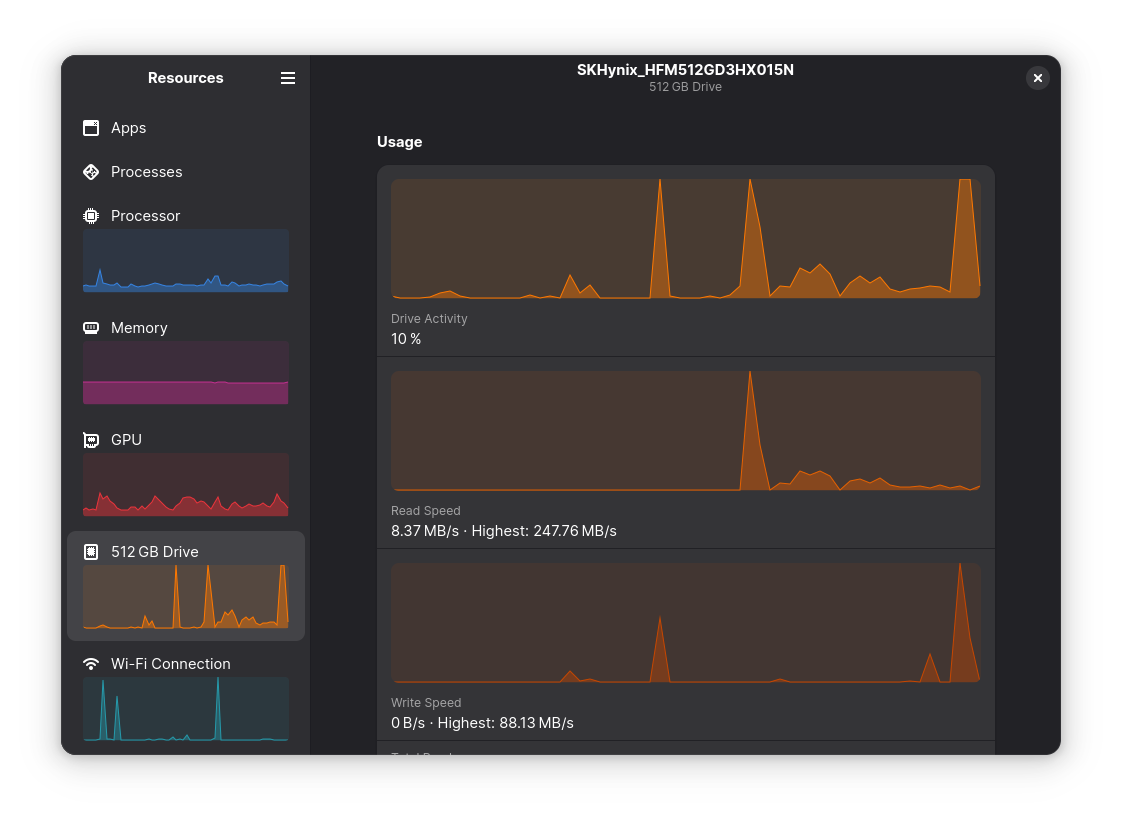
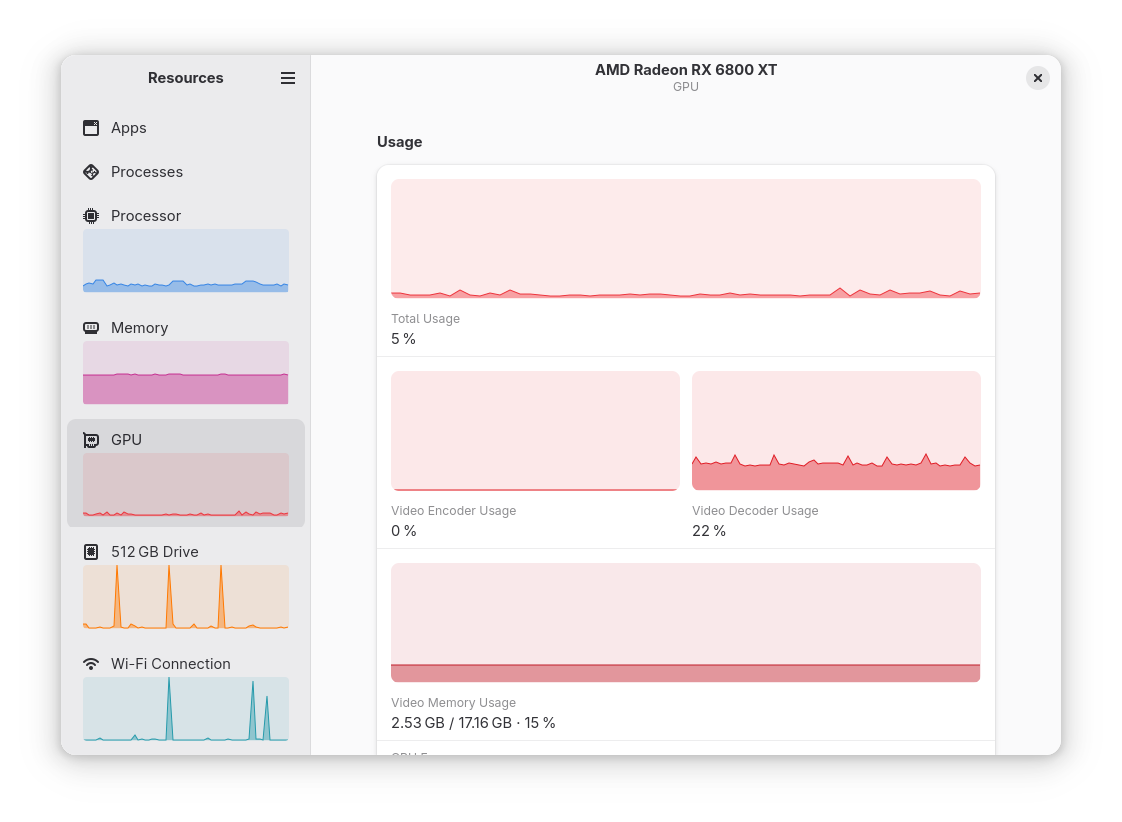
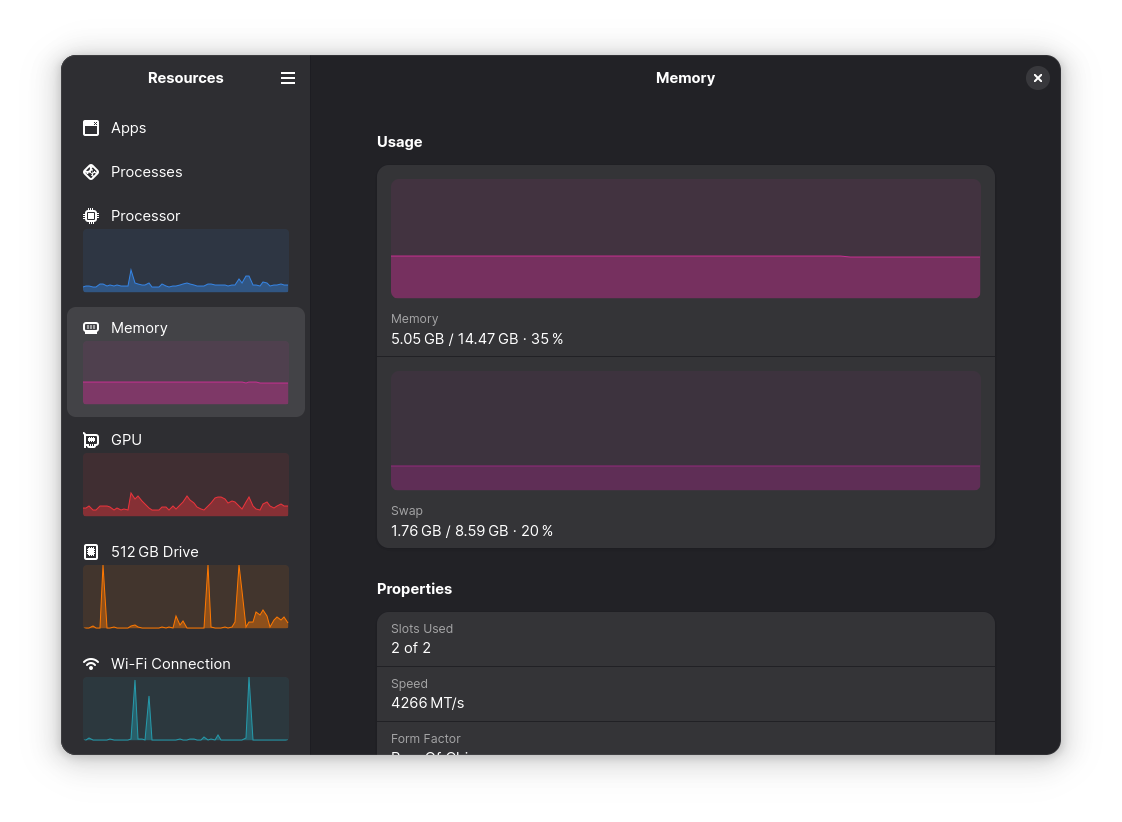
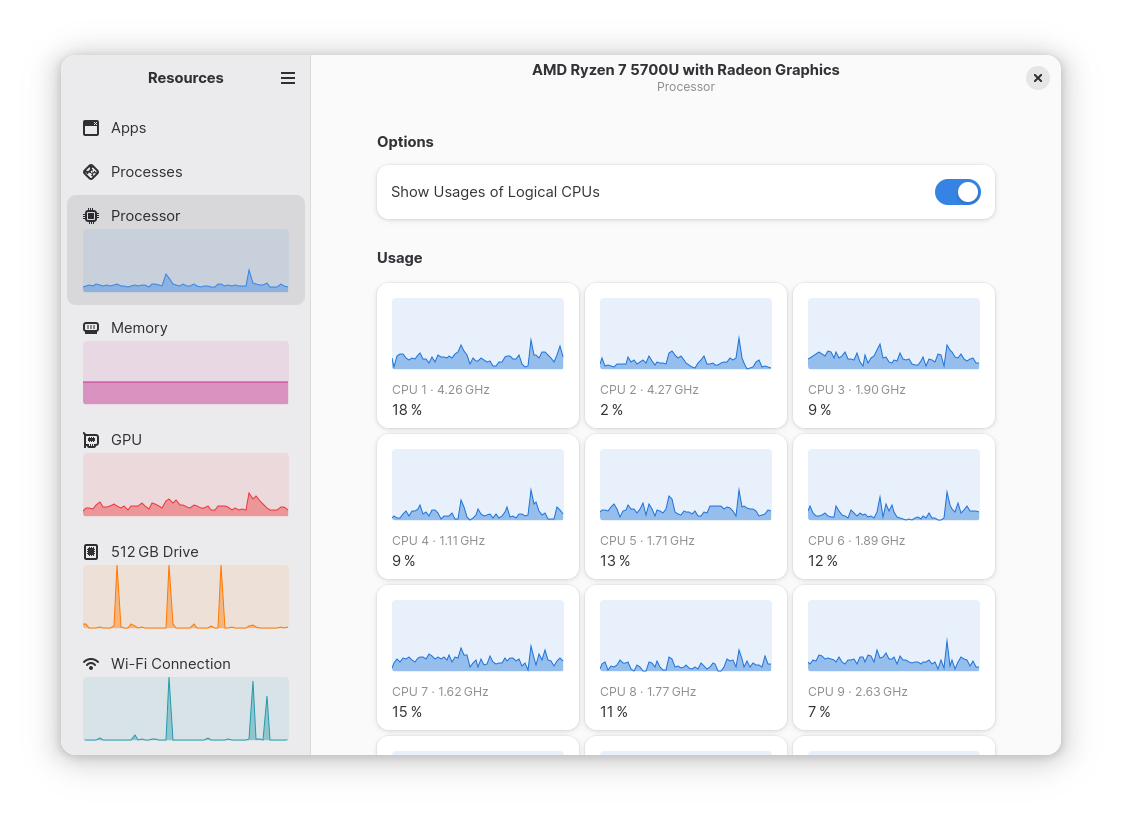
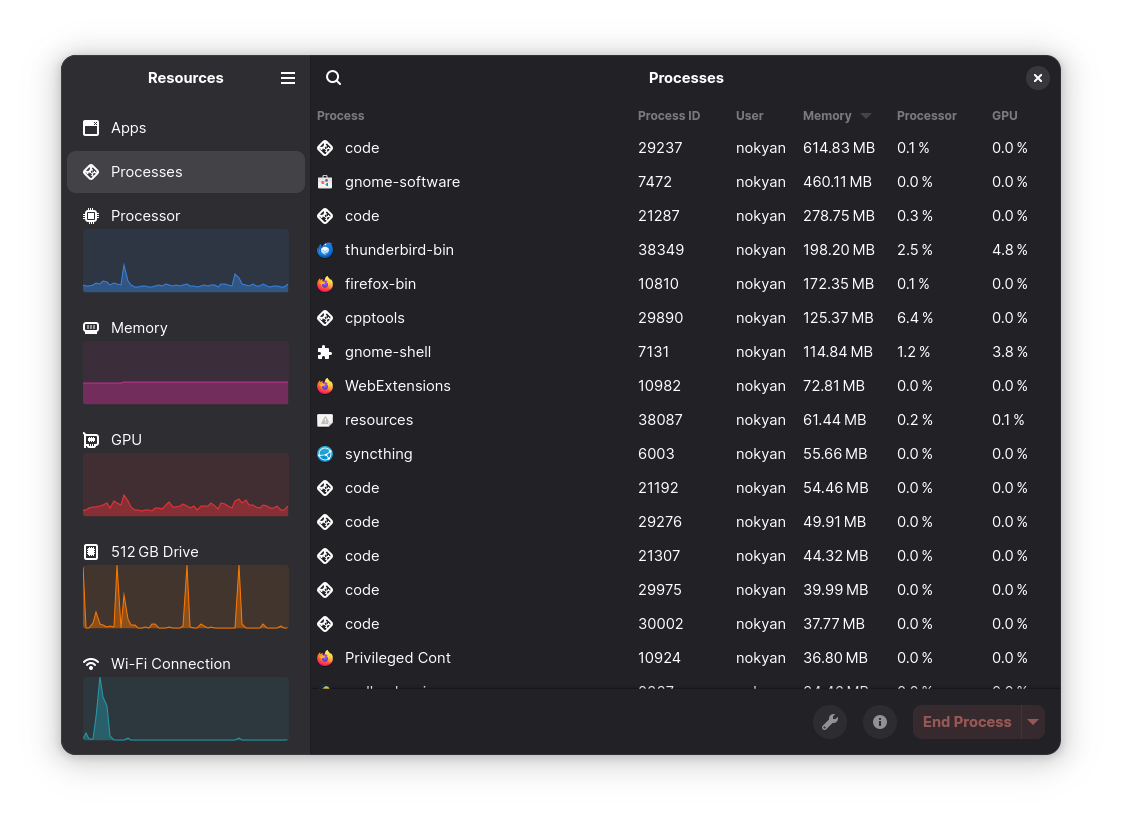
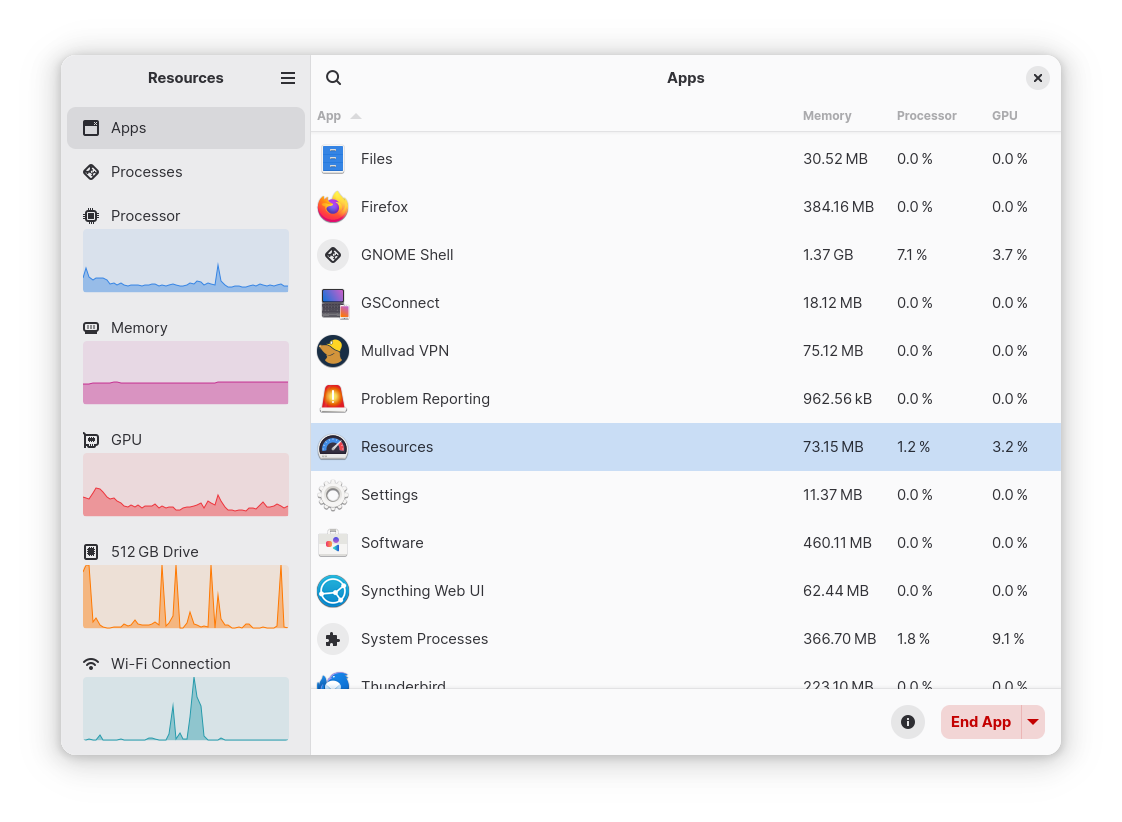
Discover Resources, the sleek Linux system monitor. Read our review of this Libadwaita-based tool for tracking CPU, GPU, and memory performance.
Managing system performance on Linux doesn't have to mean staring at a complex, text-heavy terminal window. The Resources system monitor is a modern, graphical utility designed to give you instant, visual insight into your hardware performance. Created by developer nokyan, this application offers a clean, user-friendly interface that fits perfectly into modern desktop environments.
Sleek, Modern Design via Libadwaita
One of the first things you will notice about the Resources system monitor is its visual integration. Built using GNOME’s libadwaita library, the application aligns seamlessly with modern desktop aesthetics. It delivers a highly responsive, clean user interface where metrics are easy to read at a glance, making hardware tracking accessible to both casual users and system administrators.
What Can You Track?
The application goes beyond simple CPU tracking to provide a comprehensive overview of your entire hardware stack. Here is what you can monitor in real time:
- Processor (CPU): Keep track of individual core loads and overall processing demands.
- Memory: Monitor active RAM usage and swap space consumption.
- Graphics (GPU): Observe video memory and graphics processing utilization.
- Network Interfaces: Track active upload and download speeds across your network connections.
- Storage Devices: Keep an eye on disk read/write speeds and storage capacity.
- Batteries: Check power consumption, charge levels, and health diagnostics on portable devices.
Take Control of Running Processes
The Resources system monitor is not just a passive observer; it also functions as an active management utility. If an application becomes unresponsive or starts consuming excessive power, you can use the built-in process manager to identify the culprit and safely terminate running processes, helping you maintain a stable and fast computing environment.
Is It Right for You?
If you prefer a visual, modern utility over traditional command-line tools like top or htop, this application is an excellent fit. It packages complex hardware telemetry into beautiful, understandable graphs that help you diagnose bottlenecks instantly. To try this utility on your Linux setup, visit the official Flathub store page to learn more about installation options.