
OTPClient
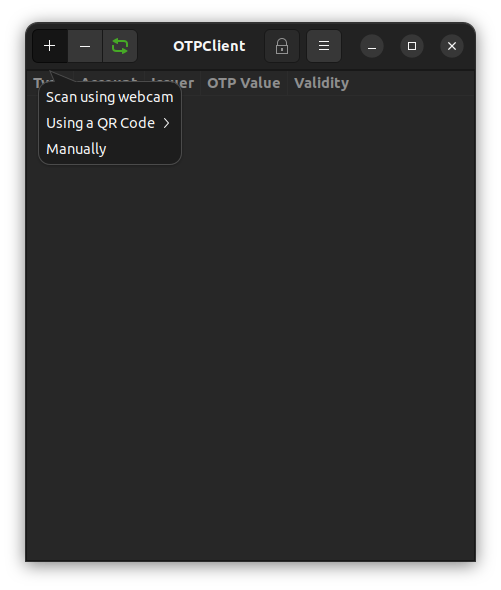
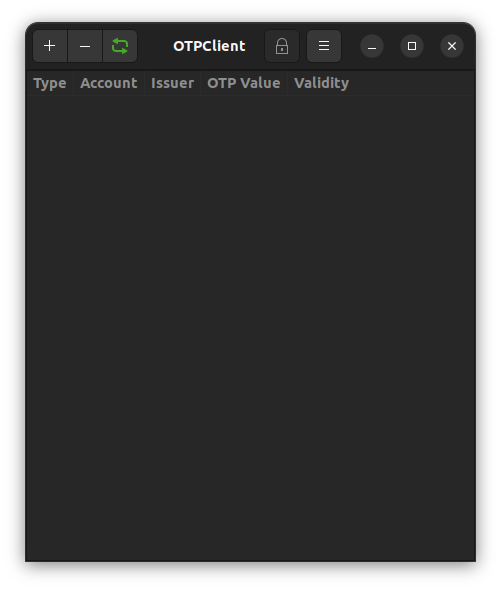
Discover OTPClient, a secure Linux desktop app for managing TOTP & HOTP two-factor authentication. Read our editorial review of its encryption & features.
Securing your online accounts with two-factor authentication (2FA) is essential, but managing those security codes from a desktop environment can often feel clunky. OTPClient TOTP and HOTP manager solves this exact problem for Linux users, providing a streamlined, highly secure, and native desktop solution to handle one-time passwords without relying on a mobile device.
What is the OTPClient TOTP and HOTP Manager?
Developed by Paolo Stivanin, OTPClient is a dedicated, open-source credential manager designed specifically for the Linux platform. Built using GTK4 and libadwaita, it integrates beautifully into modern desktop environments. Rather than keeping you tethered to your smartphone for login verifications, this application brings your 2FA tokens directly to your workstation with robust local encryption.
Advanced Security and Local Encryption
When dealing with security codes, local protection is paramount. The OTPClient TOTP and HOTP manager ensures your sensitive data remains safe through industry-standard cryptographic practices:
- Robust Local Encryption: Your local database is fully encrypted using AES-256-GCM and Argon2id key derivation.
- Secure Memory Handling: Decrypted plaintext data only ever resides within libgcrypt secure memory while the database is unlocked, minimizing the risk of memory-snooping attacks.
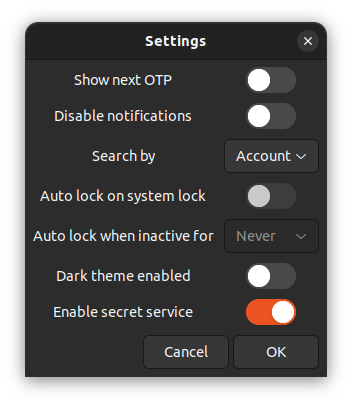
- System Integration: Users can opt-in to integrate the application with the OS secret service provider via libsecret for seamless credential handling.
Key Features and Import Flexibility
Whether you are migrating from a mobile authenticator or managing complex multi-database setups, OTPClient offers a highly versatile feature set:
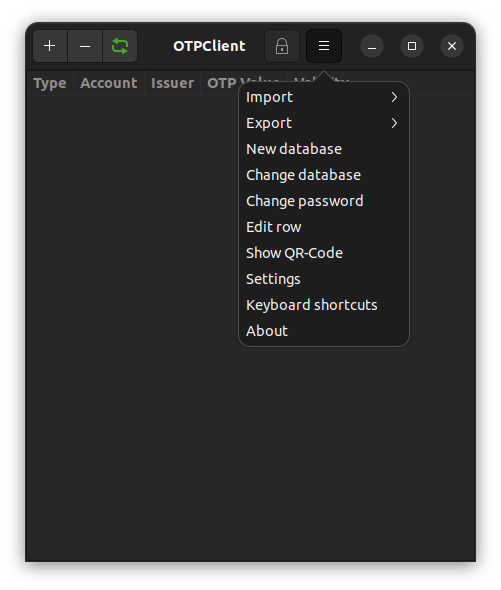
- Multi-Database Management: Organize your tokens across multiple databases, complete with a sidebar manager and cross-database search capabilities.
- Flexible Token Support: Compatible with standard TOTP and HOTP algorithms (supporting SHA1, SHA256, and SHA512), configurable digits (4 to 10), adjustable periods (10 to 120 seconds), and Steam-specific guard codes.
- Seamless Import and Export: Easily import or export encrypted and plain backups from popular services including Aegis, Authenticator Pro, and 2FAS. It also supports plain FreeOTP+ backups and Google Authenticator migration QR codes via files, screenshots, clipboard, or webcams.
- Power-User Tools: Includes a desktop search provider for GNOME Shell and KDE KRunner, alongside a companion command-line interface (otpclient-cli) capable of generating structured JSON, CSV, or table outputs for custom scripts.
Is OTPClient Right for You?
If you are a Linux user seeking a sovereign, offline, and highly customizable way to manage your two-factor authentication tokens, the OTPClient TOTP and HOTP manager is an outstanding choice. It bridges the gap between terminal-based security tools and polished desktop applications, offering absolute control over your backup data without cloud lock-in.
To integrate this secure utility into your desktop workflow, you can learn more and find installation instructions on the official OTPClient Flathub page.