Voice Changer App Review
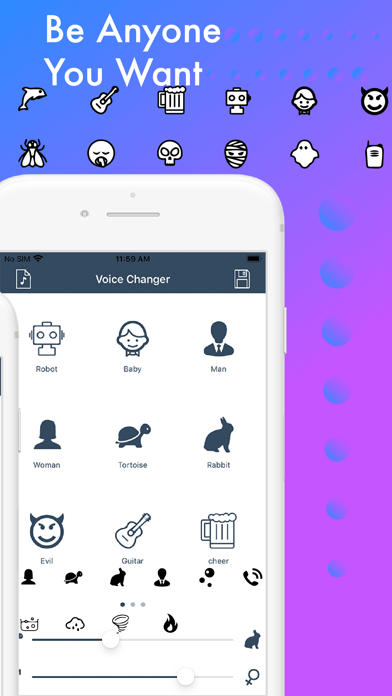
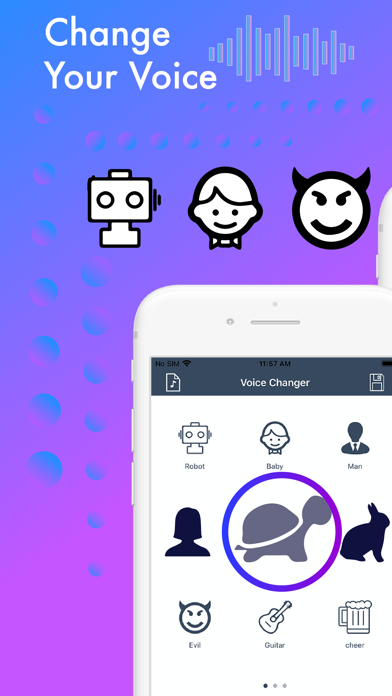
Discover how the Voice Changer audio modification app for Mac can transform your recordings with funny effects. Read our full editorial review here.
Transforming Your Audio with the Voice Changer App
Imagine recording a simple voice memo and instantly transforming it into something hilarious, mysterious, or entirely unrecognizable. The Voice Changer audio modification app for Mac brings this playful experience directly to your desktop, making audio customization both effortless and entertaining. Developed by 国媚 张, this utility is designed for users who want to experiment with vocal effects without dealing with complex audio engineering software.
Key Features of This Vocal Modulation Utility
This lightweight communication and entertainment tool focuses on ease of use. Below are the standout features that make it an accessible option for Mac users:
- Built-In Audio Recorder: Capture your voice or ambient sounds directly within the application interface with a single click.
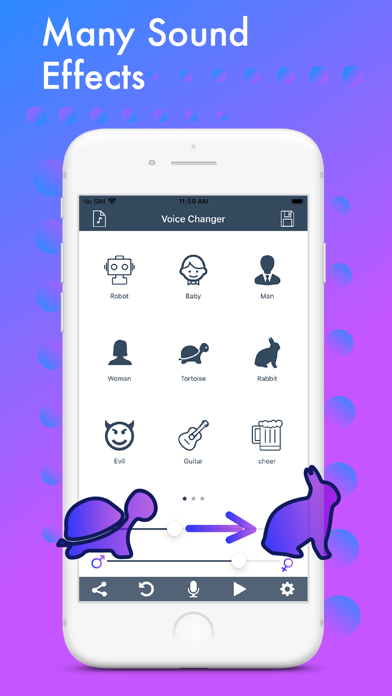
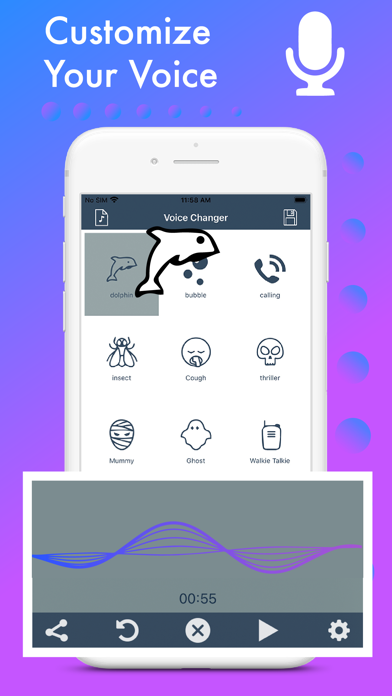
- Instant Effect Application: Browse through dozens of pre-configured vocal filters, including options to sound like a man, a woman, a child, or various other whimsical characters.
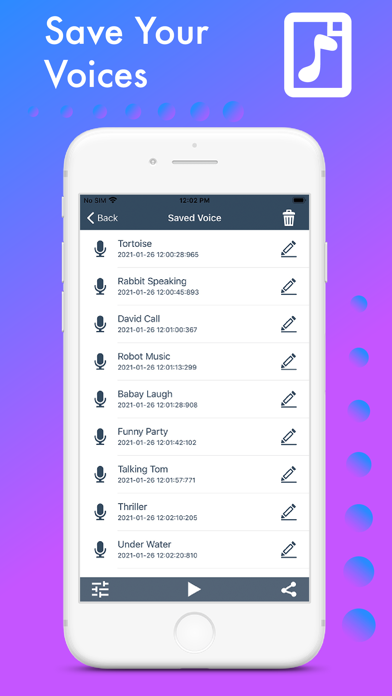
- Seamless Editing and Playback: Review your modified audio file immediately, make quick edits, and tweak the results until they match your desired tone.
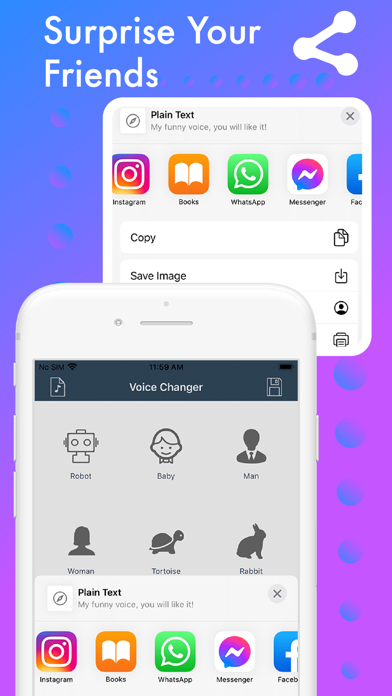
- Effortless Sharing: Export your finalized audio creations to share with friends, family, or online communities.
Who Is This Audio Modification Tool For?
Whether you are looking to play a harmless prank on your friends, create unique voiceovers for casual video projects, or simply explore how different frequencies alter your vocal profile, this software provides a straightforward sandbox. Because it categorizes its filters clearly, you do not need any prior background in sound design to achieve clean, funny, and engaging results.
Our Editorial Verdict
The Voice Changer audio modification app succeeds by keeping things simple. While professional sound designers might require advanced multi-track editors, casual users will appreciate the streamlined workflow that goes from recording to effect-mapping in seconds. If you are ready to experiment with your own vocal recordings on macOS, we highly recommend trying it out. You can find more information and download the application on the official Apple App Store.