

MaCleaner Pro: Disk Cleaner

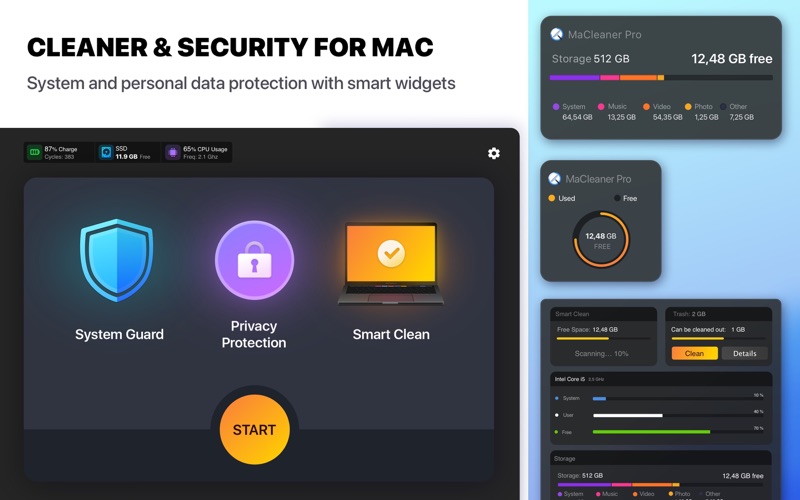
Discover how MaCleaner Pro: Disk Cleaner optimizes macOS performance. Read our expert review of its AI photo cleaning, disk mapping, and security tools.
An AI-Driven Approach to macOS Optimization
Many Mac utility tools offer simple cache deletion, but MaCleaner Pro: Disk Cleaner stands out by integrating neural engine technology directly into its storage management. Developed by Everyday Tools OOO, this utility goes beyond basic trash emptying by utilizing AI-driven photo deduplication and visual disk mapping to give users complete control over their system's storage footprint. If you are struggling with a cluttered drive and mysterious "Other" storage, this application offers a sophisticated, multi-angled solution.
Visualizing Your Storage with Disk Layout
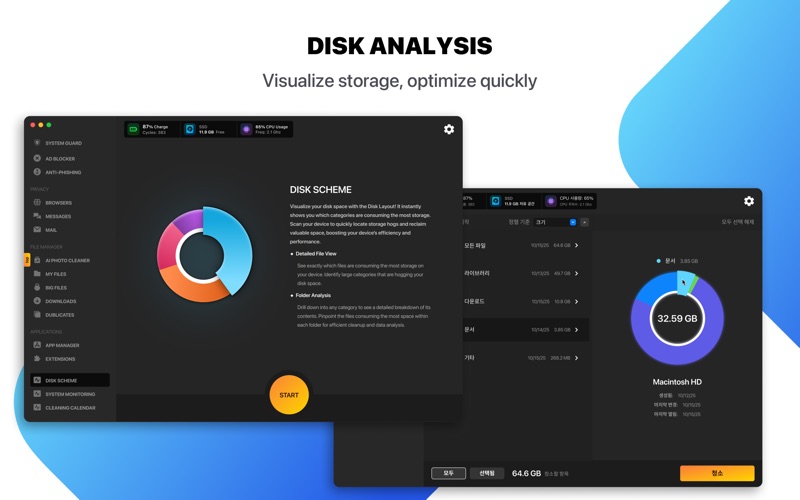
One of the most impressive features of MaCleaner Pro: Disk Cleaner is its interactive Disk Layout tool. Instead of browsing through endless nested folders in Finder, the app generates a clear, visual breakdown of your disk usage. This allows you to quickly identify oversized archives, forgotten media files, and redundant backups. Coupled with the robust File Manager, you can filter your data by categories such as music, movies, or archives, making manual cleanup incredibly efficient.
AI-Powered Photo and File Cleanup
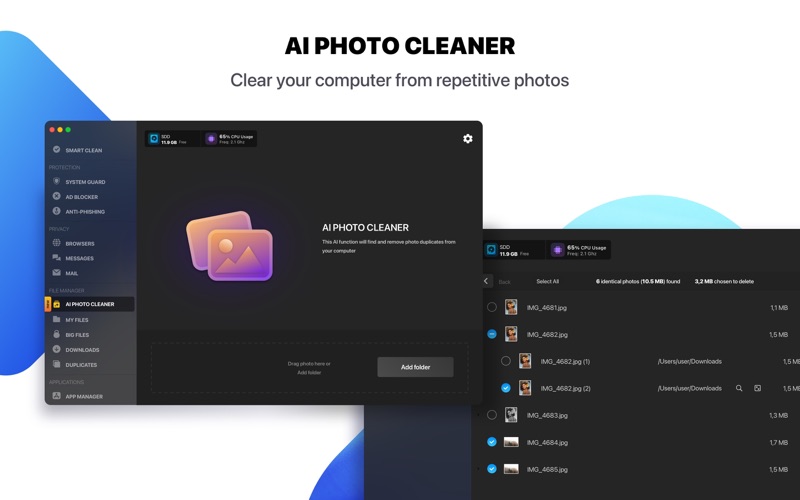
Duplicate images are notorious storage hogs on modern Macs. MaCleaner Pro: Disk Cleaner addresses this with a dedicated AI Photo Cleaning module. By utilizing your Mac's built-in neural engine, the app safely detects exact duplicates and visually similar images, letting you purge unnecessary photos with a single click. Additionally, the App Manager and browser extension modules let you review resource-heavy applications and manage Safari add-ons that might be slowing down your system.
Integrated Security and Privacy Guard
Unlike basic storage sweepers, this utility places a heavy emphasis on digital hygiene. It features:
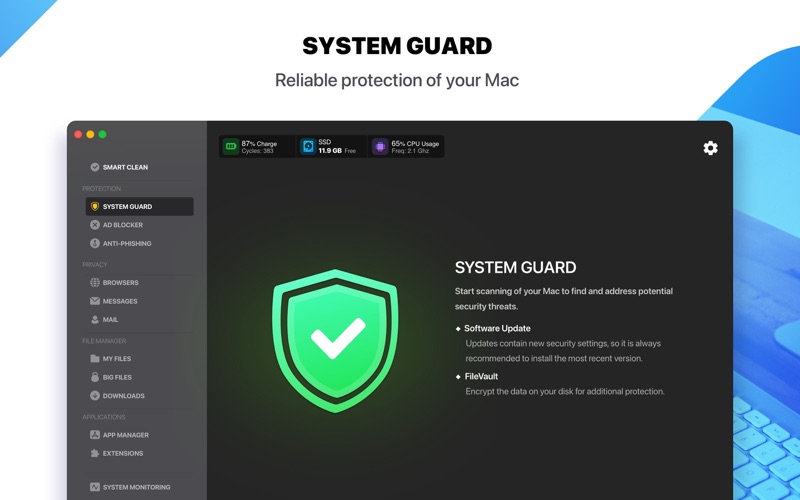
- System Guard: Monitors your system to identify and address potential security vulnerabilities.
- Privacy Protection: Clears browsing traces, cookies, and cache files across Safari and other web browsers.
- Ad & Phishing Blocker: Enhances your browsing experience by removing intrusive Safari ads and blocking suspicious links.
- Communication Cleanup: Safely removes old chat histories, drafts, and bulky attachments from iMessage and Mail.
Choosing Between Free and Pro Versions
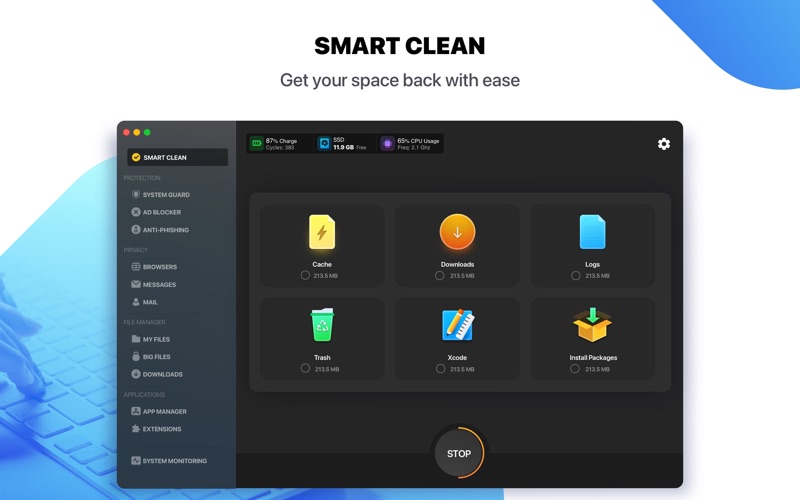
The application is flexible, offering a free tier alongside its premium suite. The free version provides essential browser, message, and mail cleaning, a basic file manager, and a single disk scan to generate your storage diagram (capped at a 0.5 GB cleaning limit). Upgrading to the Pro version unlocks unlimited cleaning, the AI photo cleaner, the active System Guard, smart cleaning automation, and the full ad-blocking suite.
Is It Right For You?
If you want more than a simple trash-emptying tool, this utility offers a highly visual and secure way to reclaim gigabytes of storage while keeping your browsing private. To explore its features and optimize your Mac, check out the official Mac App Store page to get started.