
Best Player
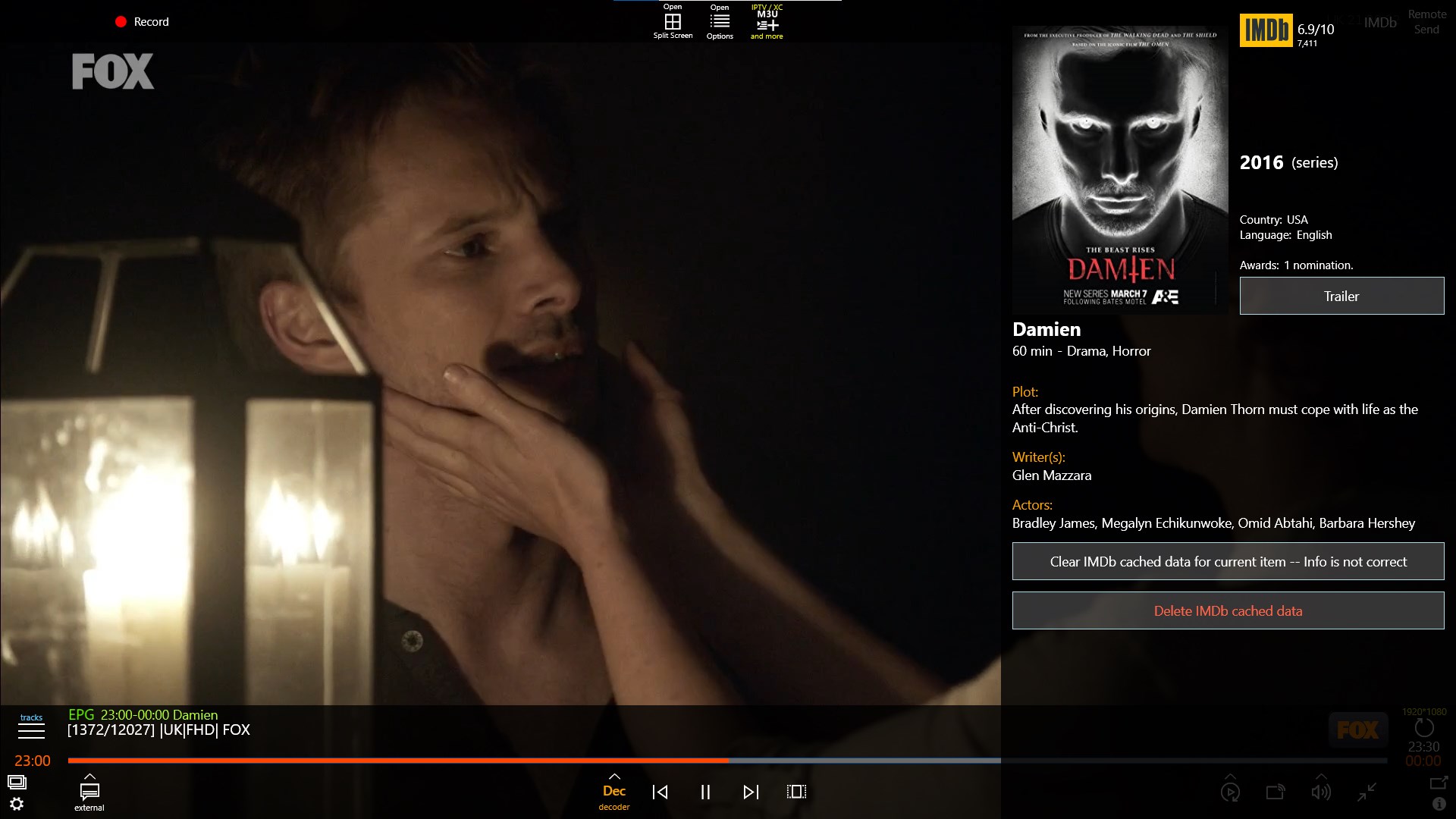
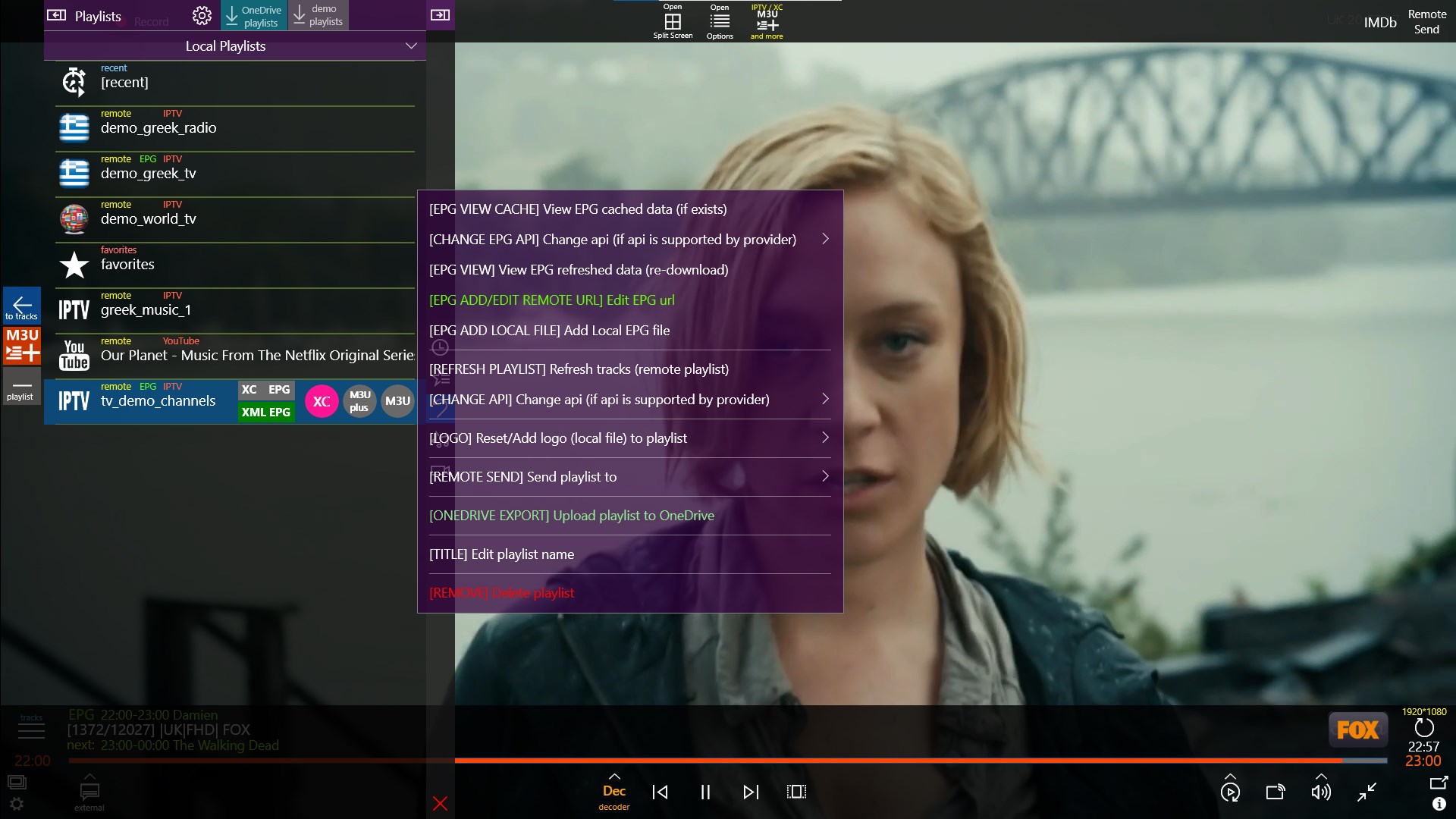
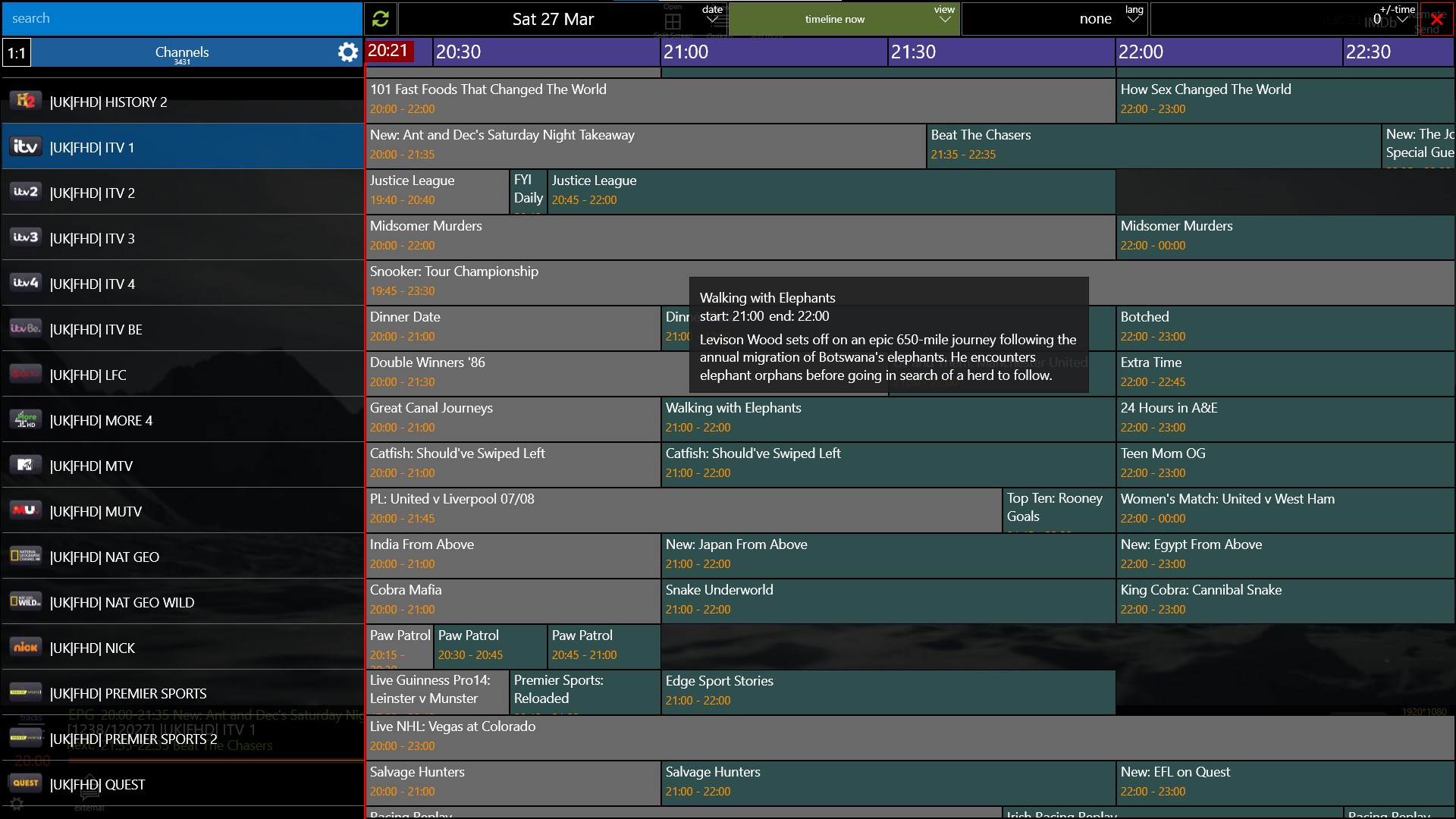
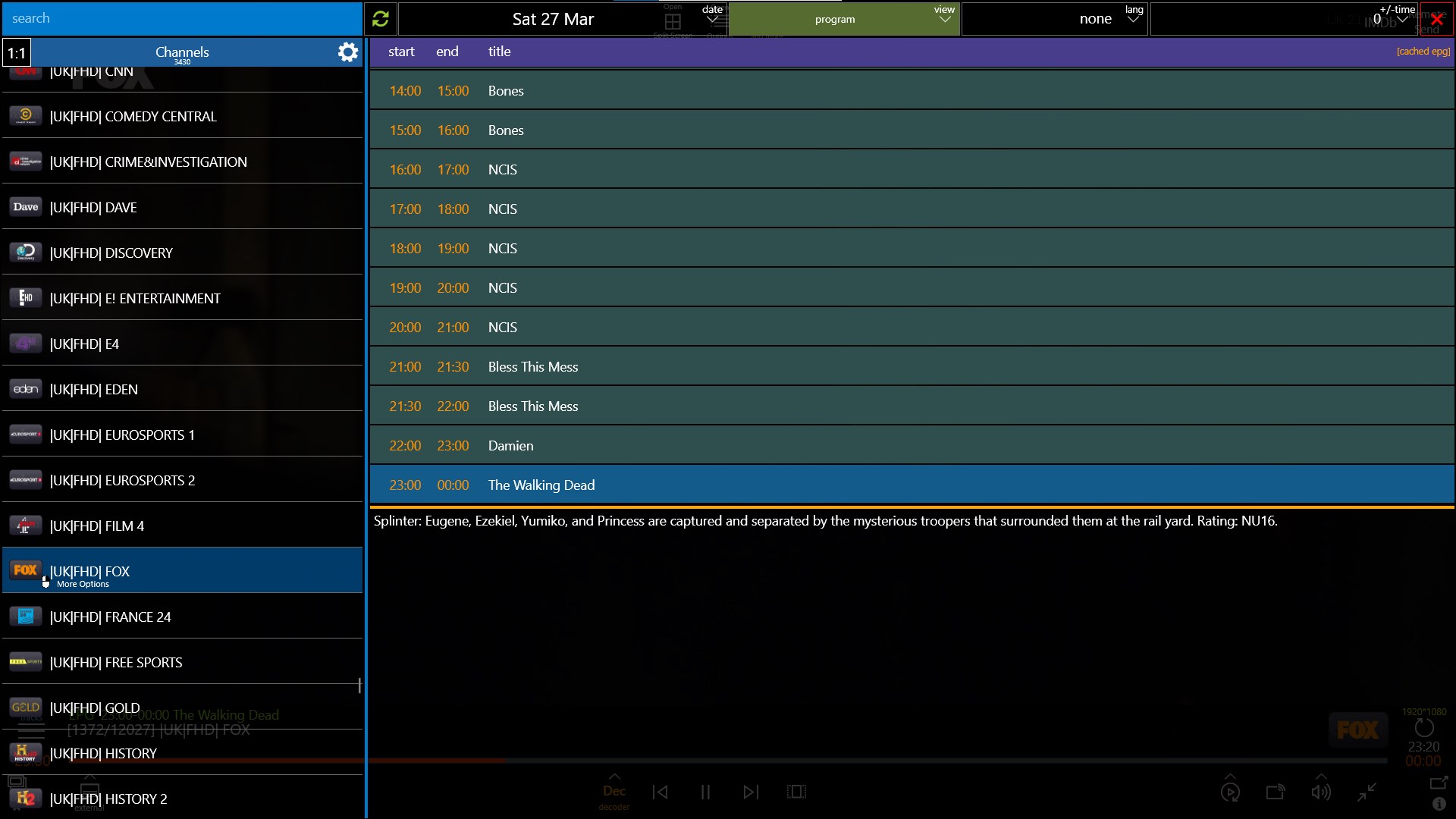
Read our comprehensive review of Best Player, a powerhouse Windows IPTV and multimedia player featuring multi-screen grids, EPG, and cloud streaming.
A Comprehensive Look at the Best Player IPTV Solution
Finding a reliable, all-in-one media engine on Windows can be a challenge, but the Best Player IPTV and media player steps up to aggregate your local, cloud, and streaming content into a single interface. Designed specifically for the Windows platform by developer marios g., this application functions as both an advanced IPTV client and a robust local file manager. It targets users who want complete control over their media playback without jumping between different software suites.
Streamlining IPTV and EPG Management
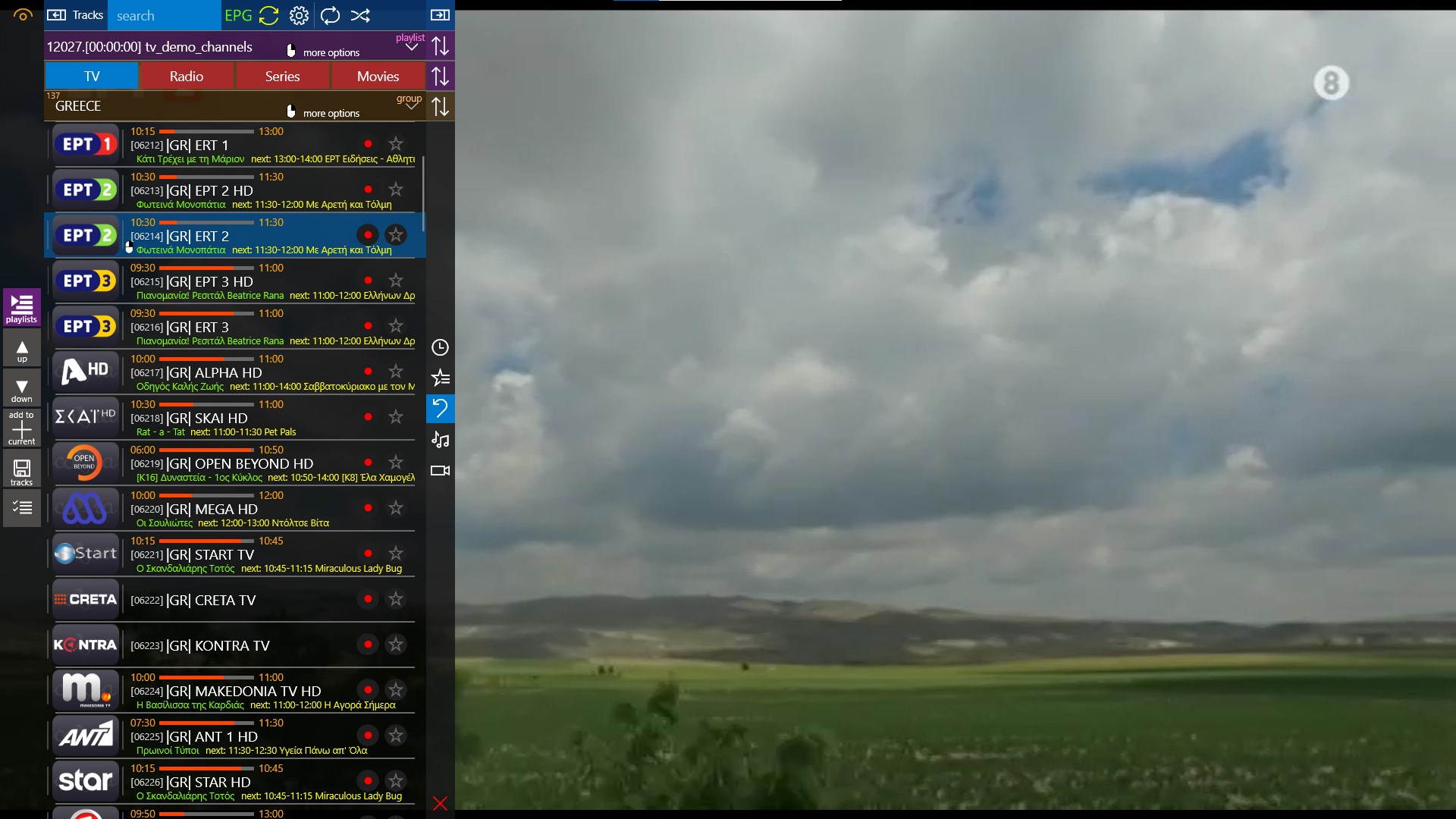
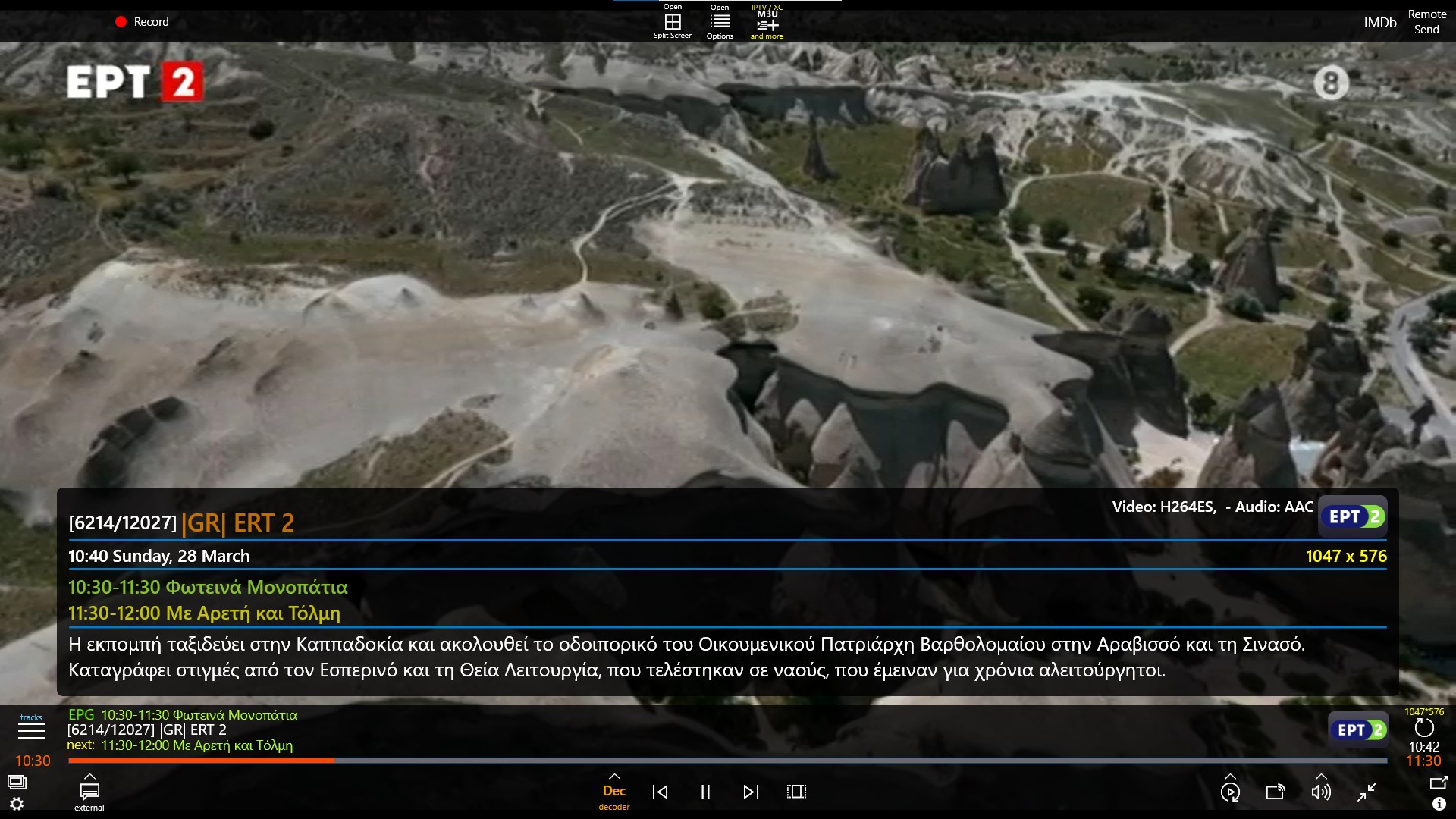
At its core, the Best Player IPTV and media player is built to handle complex IPTV setups. It provides full compatibility with Xtream UI and standard M3U playlists, loading remote feeds rapidly. Managing your Electronic Program Guide (EPG) is highly intuitive, offering three distinct views: program, timeline now, and a comprehensive full details view. If channel names do not align perfectly with your EPG data, the built-in manual two-way association tool lets you correct the mapping quickly. This ensures you always know what is broadcasting in real time.
Advanced Playback and Multi-Screen Grids
For power users who monitor multiple feeds simultaneously, the software offers a split-screen layout that can display up to 16 tracks in a grid. This is paired with practical desktop features like Picture-in-Picture (PIP) mode, screen capture capabilities, and drag-and-drop support for files and subtitles. Whether you are streaming high-definition 4K HEVC videos or listening to local FLAC audio files, the application ensures smooth playback by utilizing a customizable network cache to prevent stuttering.
Cloud Integration and Local File Management
Beyond live streaming, the Best Player IPTV and media player integrates directly with OneDrive. This allows you to stream media straight from your cloud storage, upload or download playlists with a single click, and manage files as if they were on your local drive. The built-in file manager supports common compression formats like ZIP and RAR, making it easy to unpack and organize your media library without leaving the application.
Tailored Controls and Accessibility
The application is fully optimized for multiple input methods. You can navigate the interface using a standard keyboard, touch controls, a mouse, or even an Xbox gamepad with custom key bindings. For families, the integrated application lock provides peace of mind by securing your content behind password protection.
If you are looking for a highly customizable, feature-rich media hub for your Windows device, visit the official Microsoft Store page to learn more about the Best Player IPTV and media player and see how it can elevate your home entertainment setup.